Listen in, then play two notes.
You can already play it, now name it!
Stop copying other people's songs note for note. ToneCatch starts with the space between two notes and builds up to chord progressions you can hear, name and write yourself.
Most lessons teach you to follow, not to write
Sight reading, scales and grade exams train your hands to do what the page says. They rarely ask what happens if you change a note, or why one chord sounds hopeful and another sounds sad. Without that, writing your own music stays guesswork.
What you practise
What you end up with
Every interval has its own colour
Thirteen distances, thirteen hues. You see the same colour on the keys, in your lessons and in your progress, so your eyes learn the interval along with your ears. Tap one to hear it.
Chords are intervals, stacked
Put a minor 3rd on top of a major 3rd and you have a major chord. Swap them and it turns minor. Once you can hear the intervals, you can hear what any chord is made of. Pick one to hear it built.
A progression is intervals between chords, too
Every move from one chord to the next is the root jumping by an interval. Here is I–V–vi–IV in C, one of the most common progressions in pop, with each move named.
Short lessons with a keyboard always under your thumb
Five questions per lesson, a streak to keep you coming back, and a dark mode for late sessions.
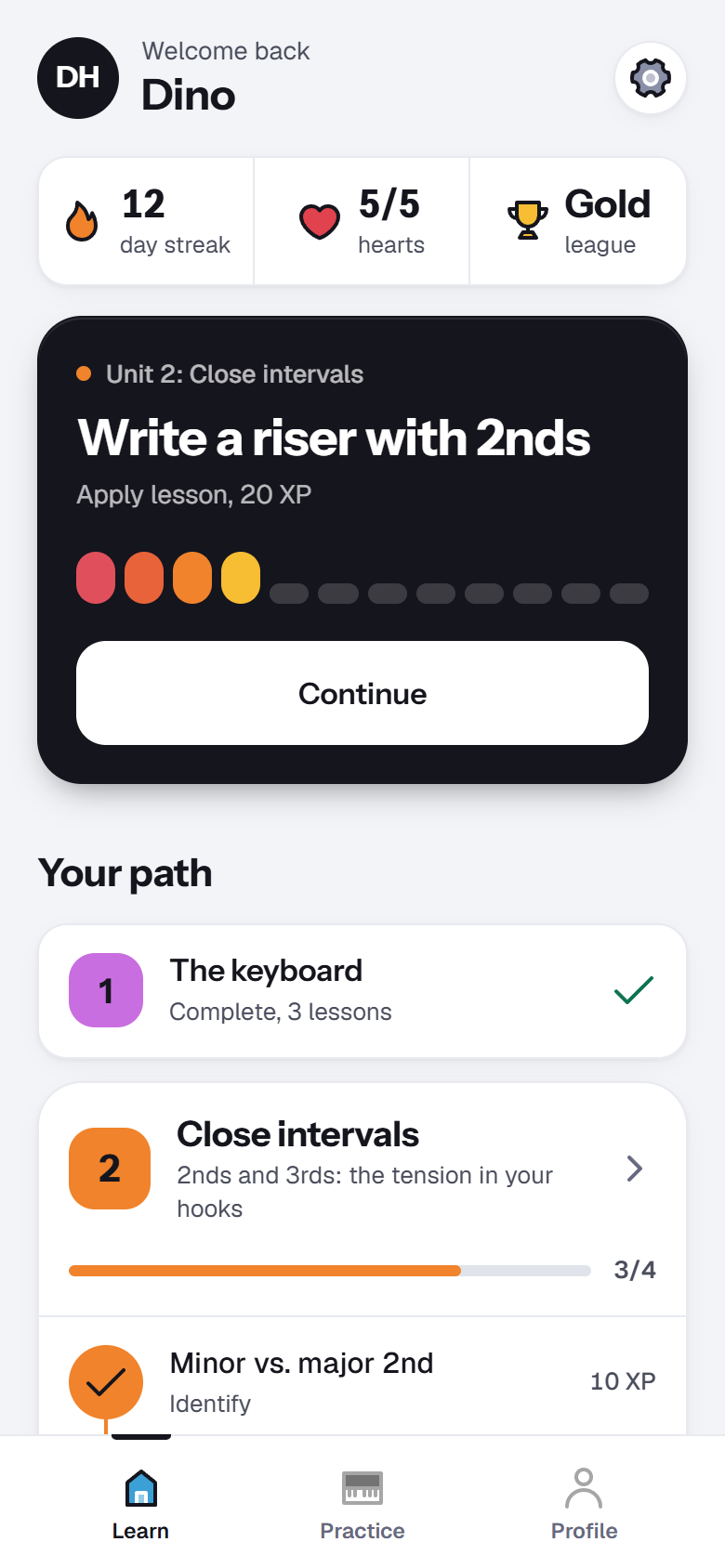
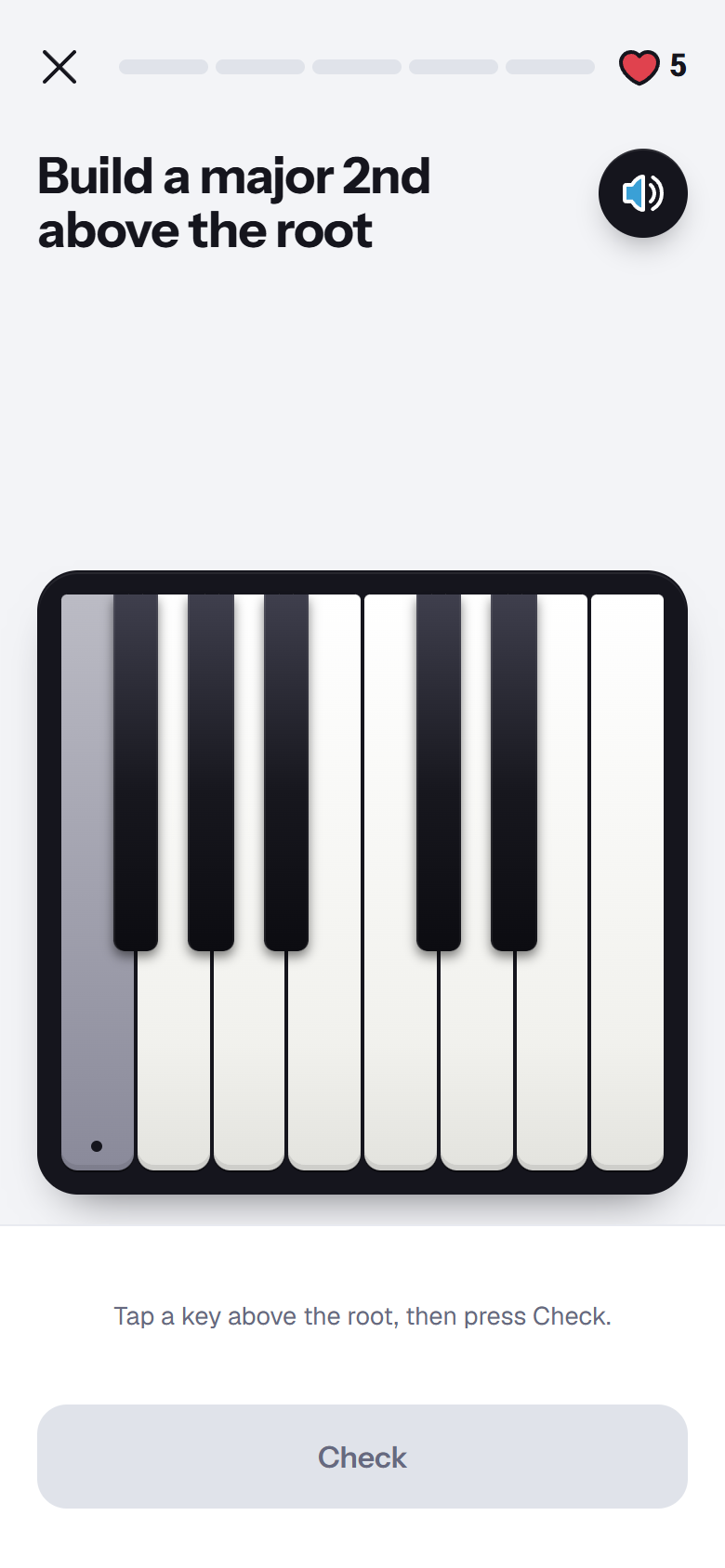
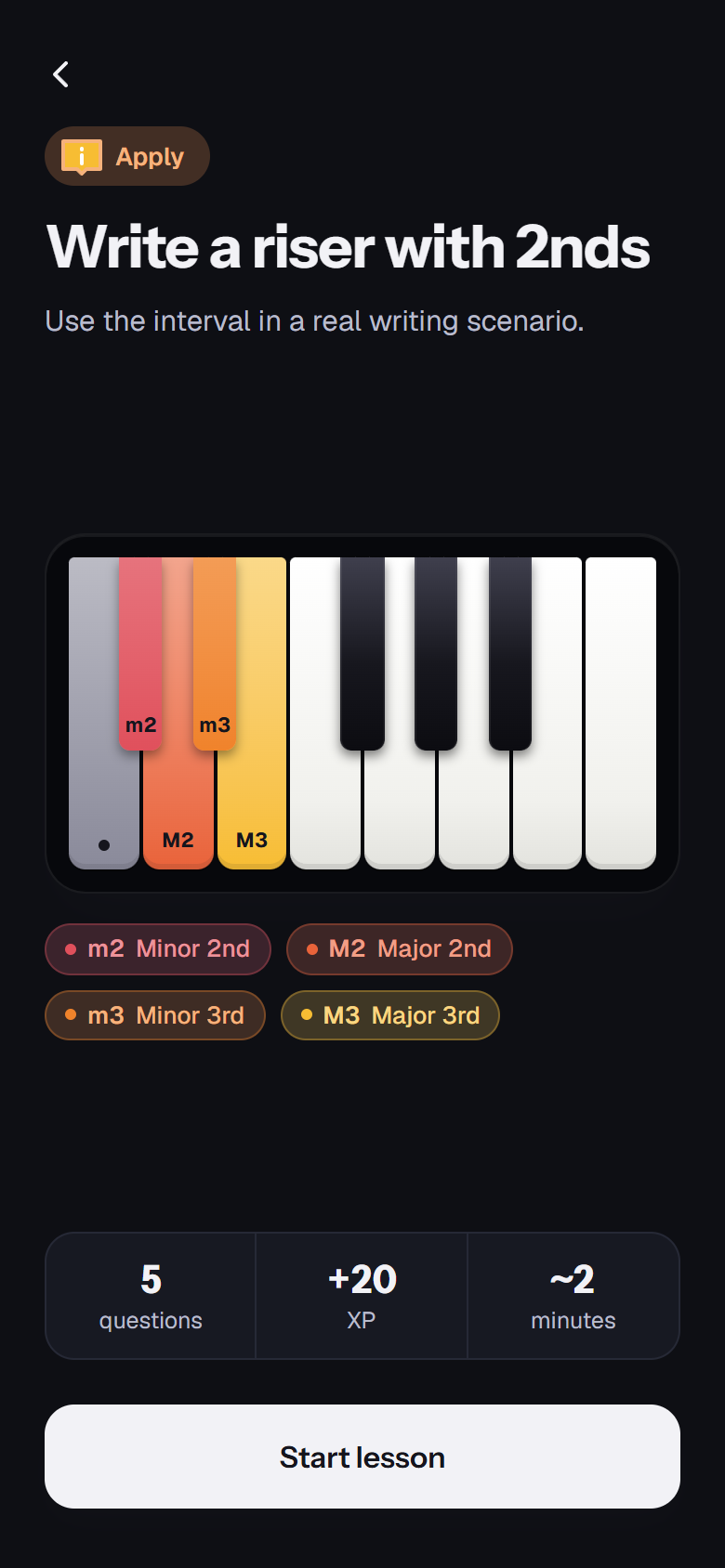
From your first key to your first chord progression
The interval units are in the app today, and every unit unlocks the next. The chord units come next and build on everything before them.
Play your first interval in under a minute
ToneCatch runs in your browser on phone, tablet or laptop. You don't need to install anything or create an account.